Put your menu on TV with a digital menu board
Show dishes, prices and daily specials where your guests order. Bildschirmzentrale turns an existing TV into a flexible menu board – without specialist hardware or design skills.
No credit card required · first screen online in under 10 minutes
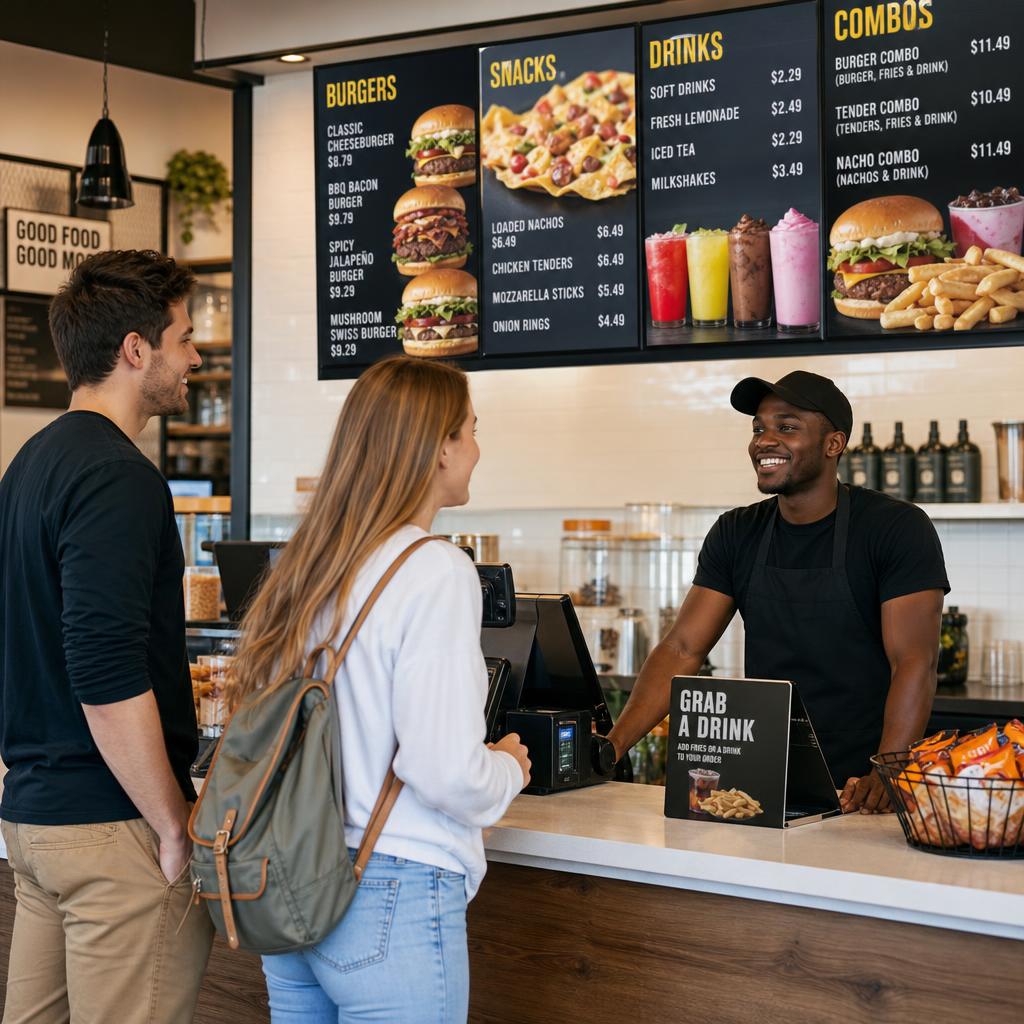
Change your menu without reprinting
A digital menu board is a TV or monitor that displays your menu as a slideshow. Manage content centrally in your browser – ideal when prices, availability or daily specials change often.
Update menus quickly
Change prices, ingredients and dishes in a few clicks. New content appears on connected screens without printing or laminating.
Plan every daypart
Schedule breakfast, lunch, evening menus or happy hour. The right menu appears automatically at the right time.
Design with AI
Start with menu text or a photo. The AI assistant creates attractive slides that you can review and edit before publishing.
A menu board that grows with your business
Start with one screen above the counter. When more locations or service areas are added, keep managing slideshows, screens and schedules in one place.
- Smart TV, Fire TV Stick, Android TV box or Raspberry Pi
- Portrait and landscape layouts for counter, wall or window
- Multiple screens with shared or separate content
- Live status shows whether a screen is online
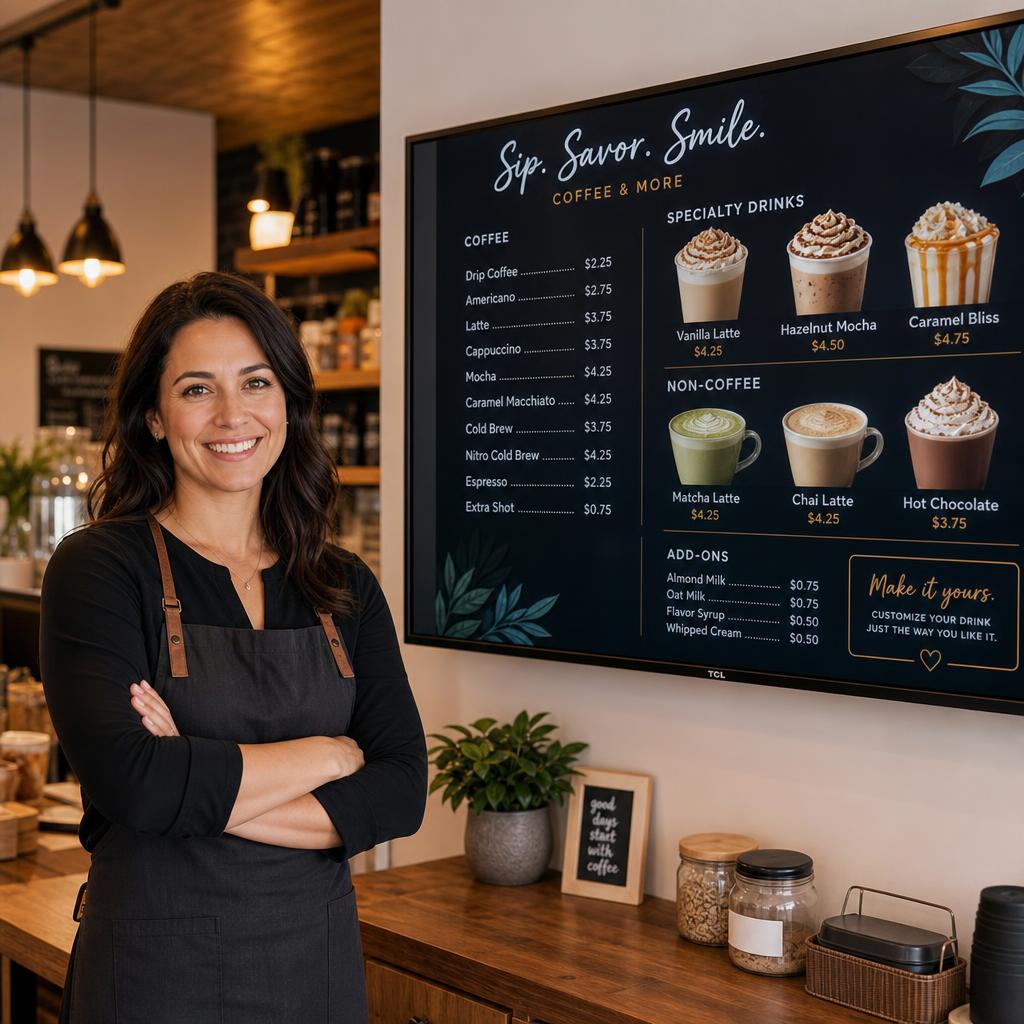
Start a digital menu board affordably
Try it free for 30 days. Afterwards: Basic €49/year for up to 5 screens or Pro €99/year for larger businesses.
In short: Bildschirmzentrale connects your menu to existing TV hardware. Create content once and play it reliably in full screen.
Digital menu board FAQs
Do I need a special restaurant display?
No. To get started, an existing TV with a browser device such as a Fire TV Stick or Android TV box is enough. A professional display may be useful in a bright window or demanding environment.
Can I create a menu from a photo?
Yes. Upload a photo or your menu text. The AI assistant creates slides, while you stay in control of prices, images and copy before publishing.
Can different screens show different menus?
Yes. Organise screens and slideshows separately and use schedules – for example a breakfast menu in the morning and an evening menu after 5 pm.
How quickly can I set it up?
With existing hardware, the first screen can often be online in under ten minutes: sign up, create a slideshow, open the player URL and pair the screen.