Make every offer count with digital signage for hospitality
Show menus, daily specials and promotions on screens your guests can see. Bildschirmzentrale brings digital content into your business without an agency, complicated technology or monthly subscription pressure.
Made for small businesses · works with existing TV hardware
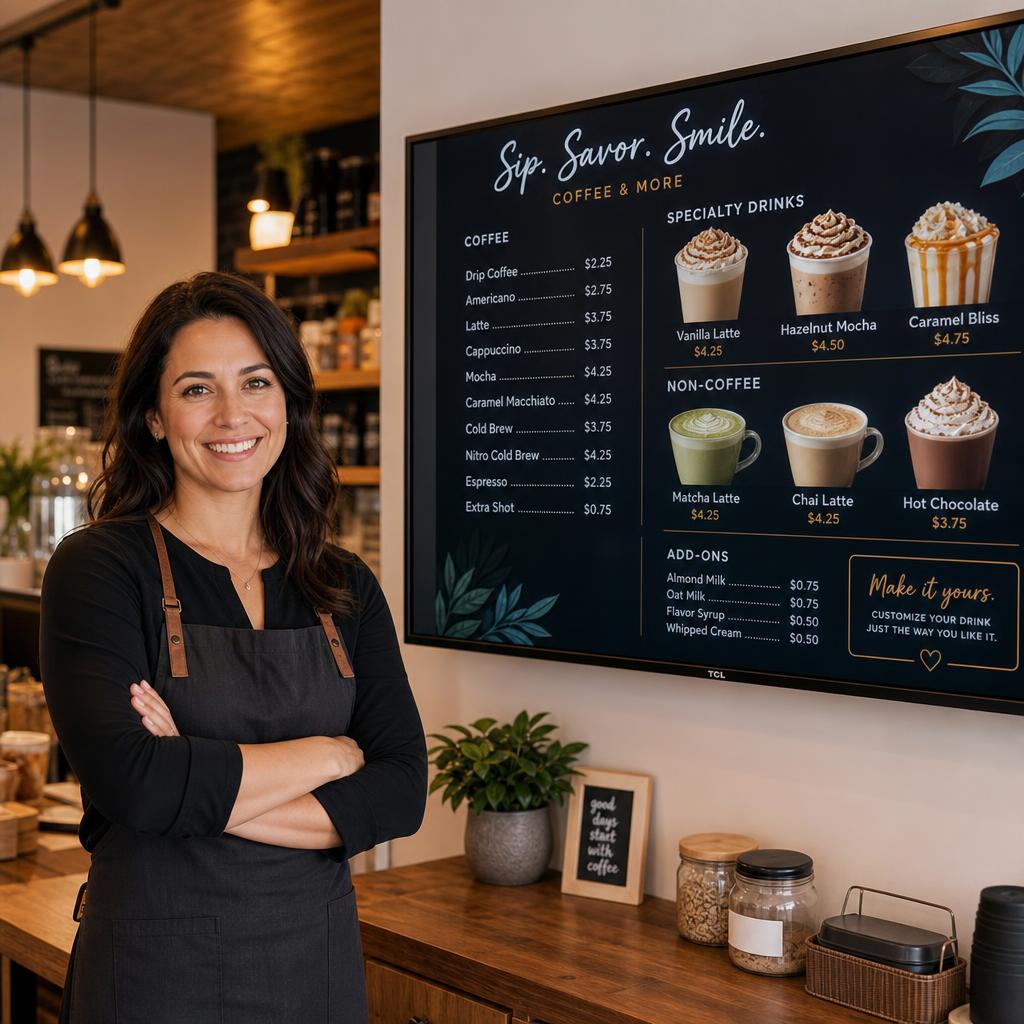
Digital communication for the busy hospitality day
When your offer changes, your screen should change too. Keep menus and promotions current with one central slideshow – from a single café to multiple locations.
Menus and prices
Update dishes, prices, allergens and availability in the browser. No more outdated posters.
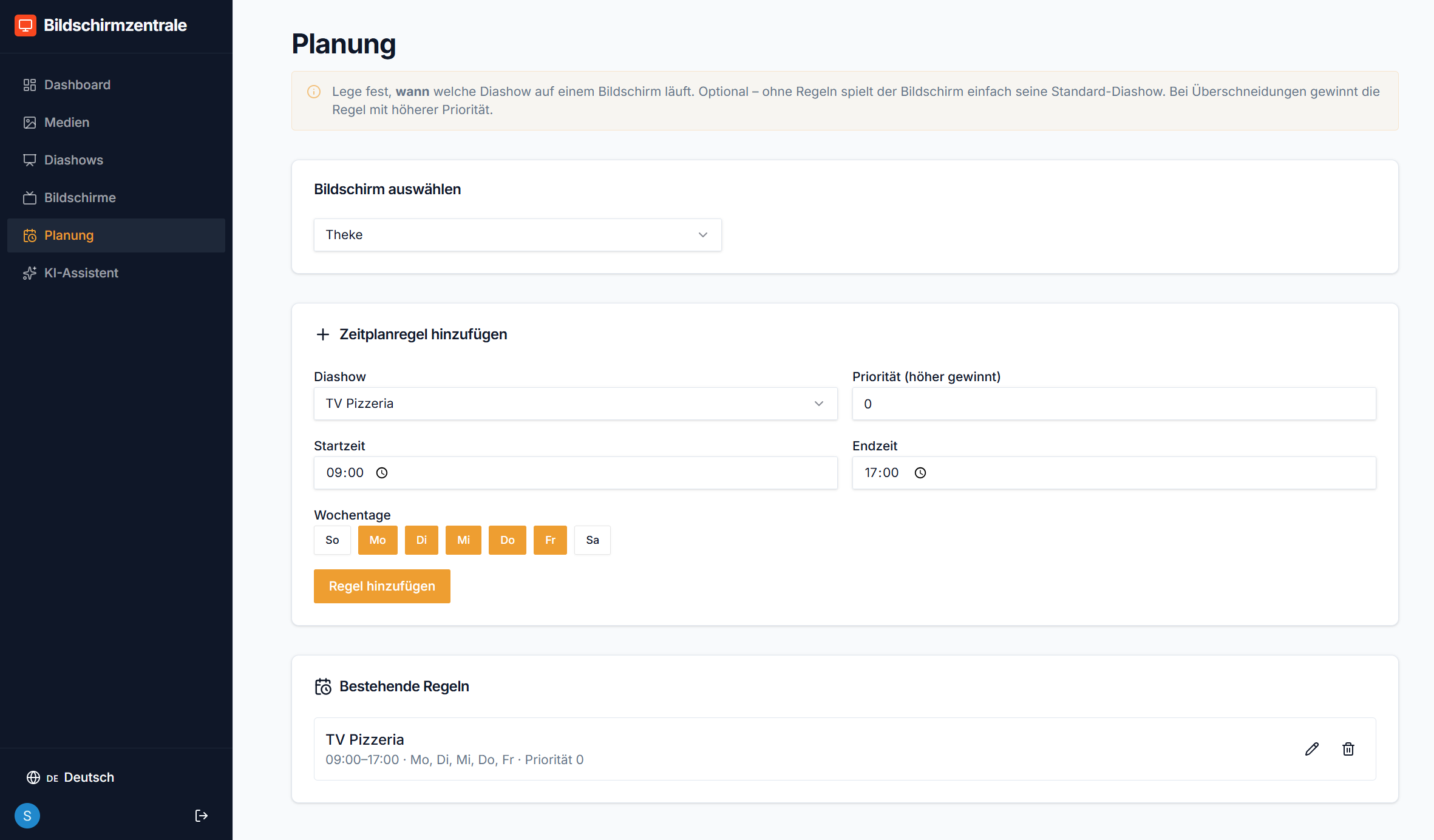
Automated dayparts
Schedule breakfast, lunch, evening menus or happy hour. The right content runs automatically when the team is busy.
Promotions that stand out
Use available screen space for combos, new products, opening hours and short, visual messages.
Control every screen from counter to dining room
Connect screens at the entrance, in a waiting area, sales room or above the counter. Each slideshow can share content or be tailored to its location.
- Fire TV Stick, smart TV, Android TV box or Raspberry Pi
- Separate slideshows for screens and locations
- Live status for a quick view of your devices
- AI assistant for promotional slides and menus
Predictable pricing for small hospitality businesses
Try free for 30 days, then from €49/year. Basic includes up to 5 screens; Pro for more screens costs €99/year.
Hospitality digital signage FAQs
Is digital signage useful for a small takeaway?
Yes. Start with one TV and manage your menu, offers and opening hours centrally. No dedicated IT team is required.
Can I use my existing menu?
Yes. Upload text and your own images or use a photo of the menu as the starting point for the AI assistant.
Does the screen need a computer running all day?
No. After setup, a small browser player displays content full screen. The computer used to manage the dashboard does not need to stay open.
What about multiple locations?
Pro is designed for more than five screens. Organise content, slideshows and schedules centrally and assign them to each screen.